
Substitutions
Pinch hitters, defensive swaps, pitching changes, and the substitution modal.
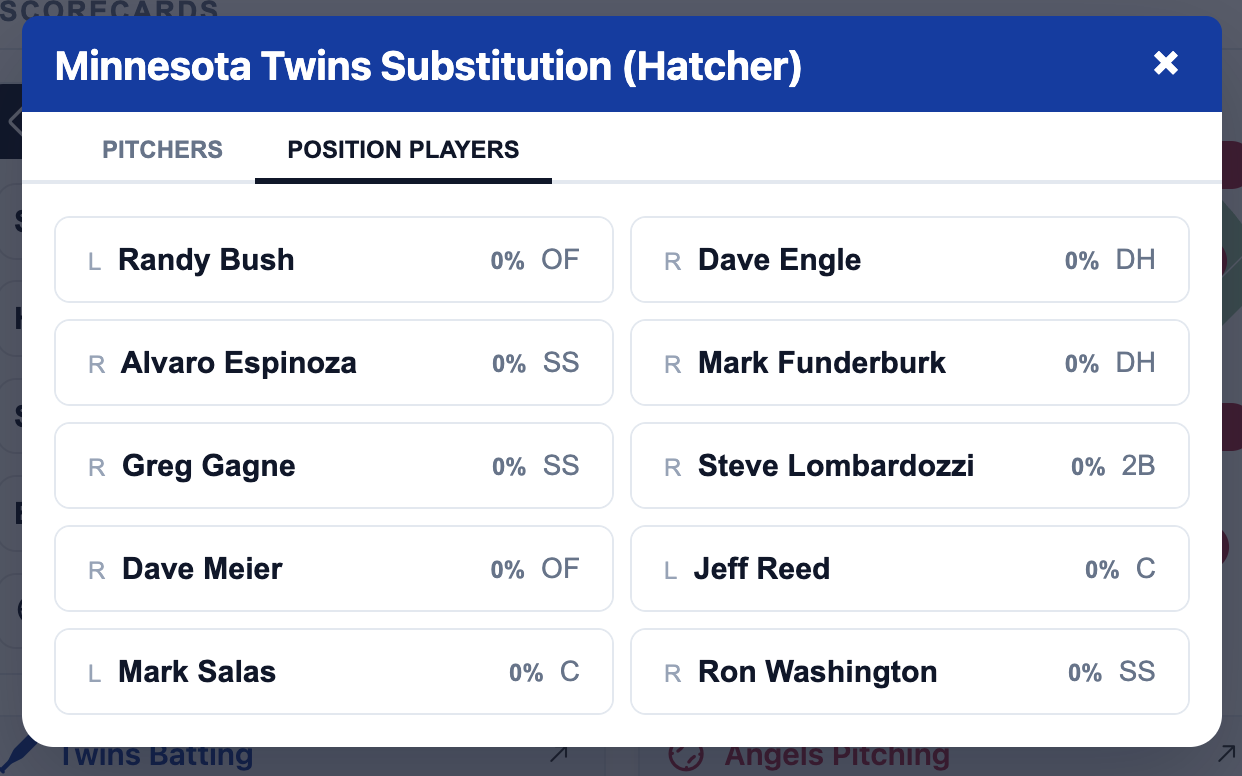
The icon in the Gamecast opens a substitution modal. When the context is a single player as in the pitcher, batter, or baserunner cell the individual substitution UI is shown. For team substitutions, the team substitution UI is shown. This modal allows you to substitute a player for another player on the same team.
You can also open team substitution(s) by clicking the field in the Gamecast.
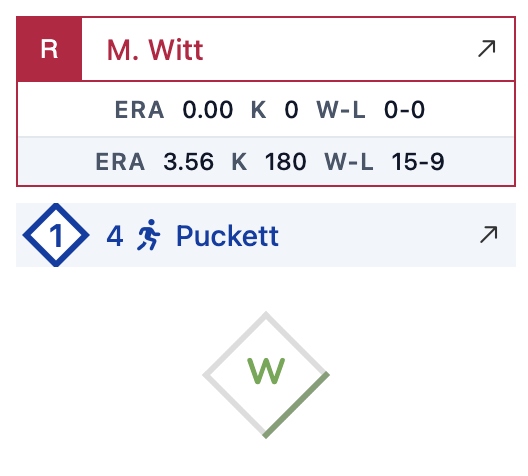
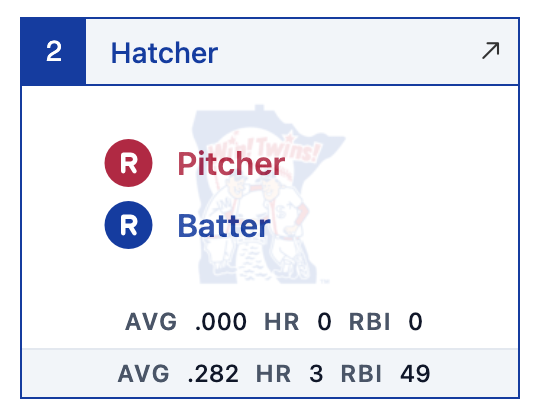
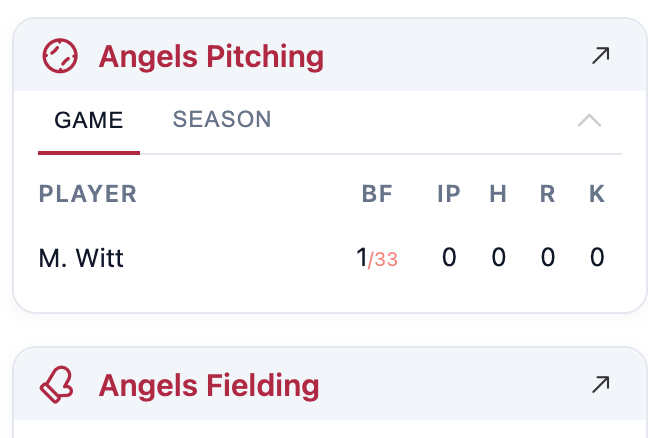
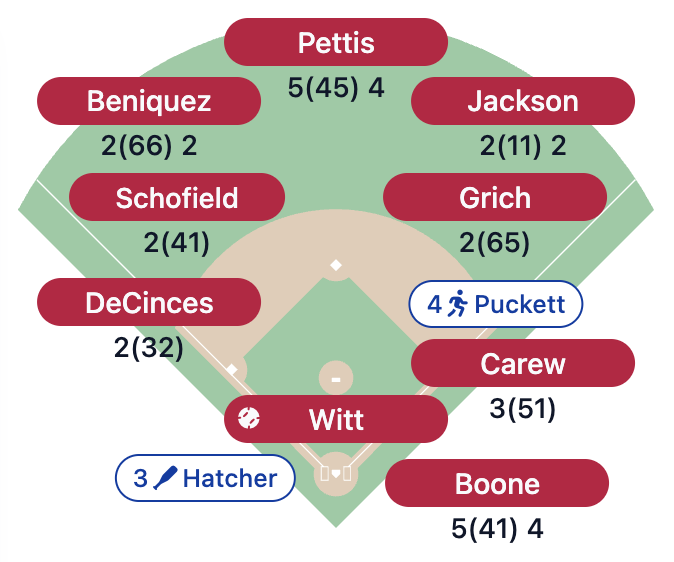
Individual & team substitutions
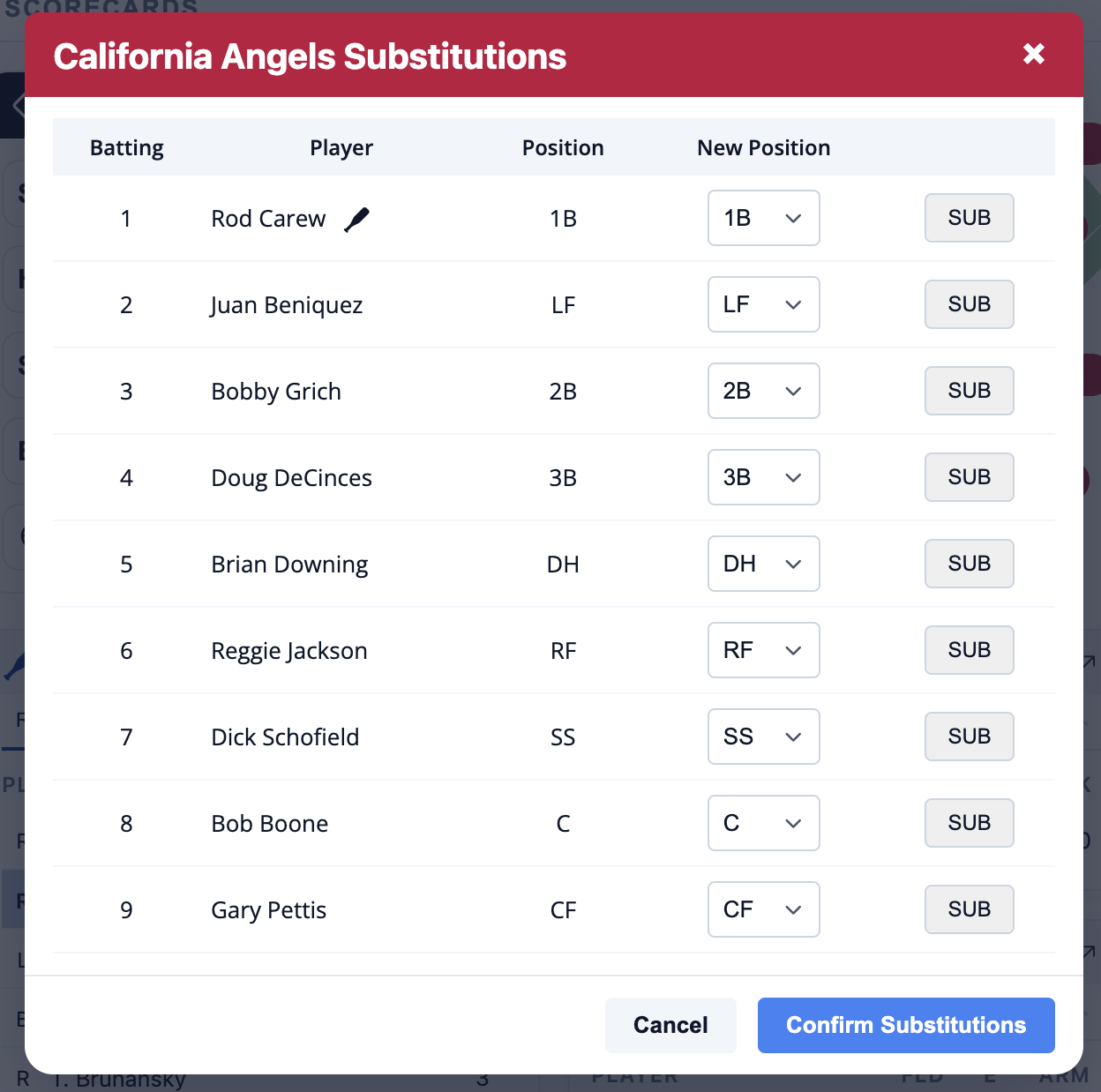
When the context is a single player as in the pitcher, batter, or baserunner cell the individual substitution UI is shown. Select a player to substitute for the and the substitution will happen immediately. For team substitutions (e.g. double-switch or defensive substitutions) each player will have a position selector and "SUB" button that will replace the selected player in the lineup. When the substitutions are complete and all lineup positions are filled, confirm the changes and they'll be saved and applied as a group.
Usage and as played identifiers
If a player was used in the historical game that's being replayed, their player card will have a darker border in the individual substitution modal and a note showing the entry inning and position from the historical game.
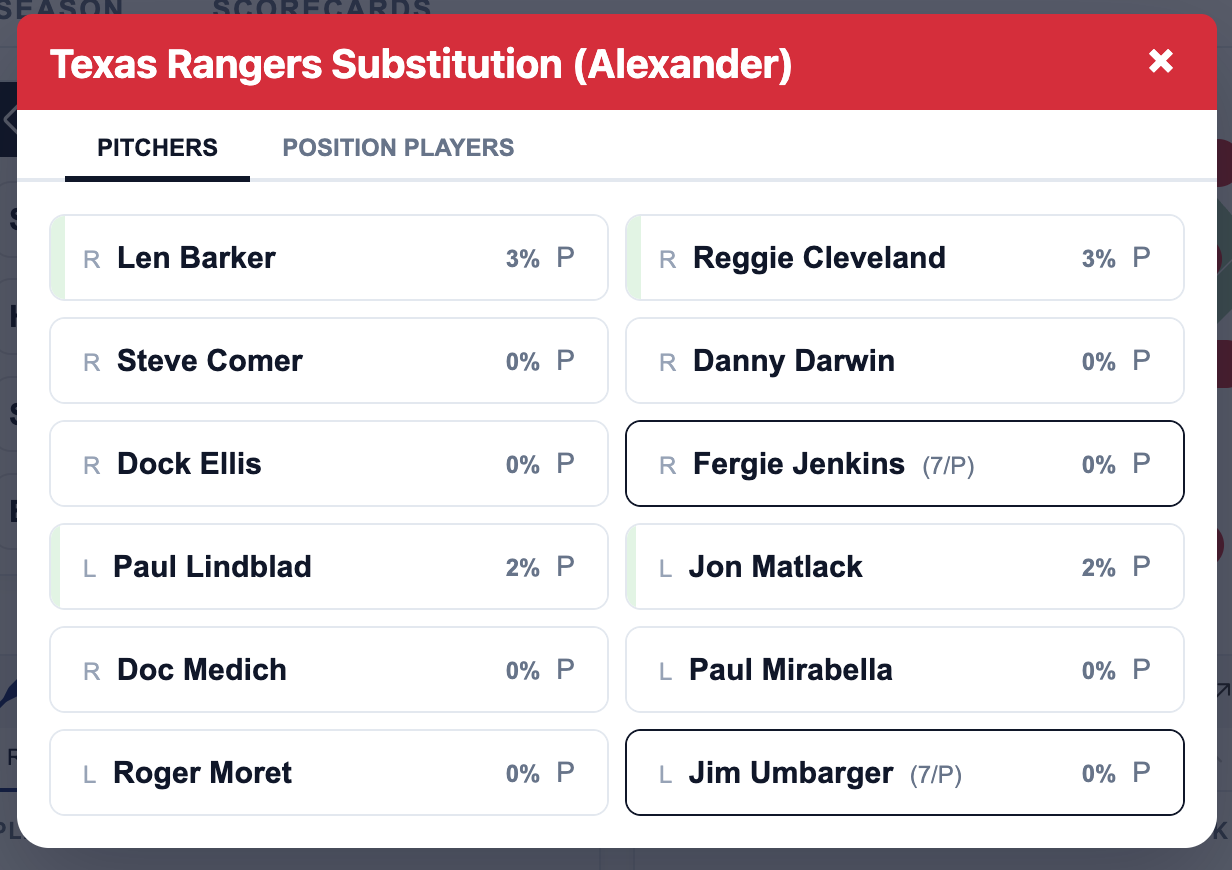
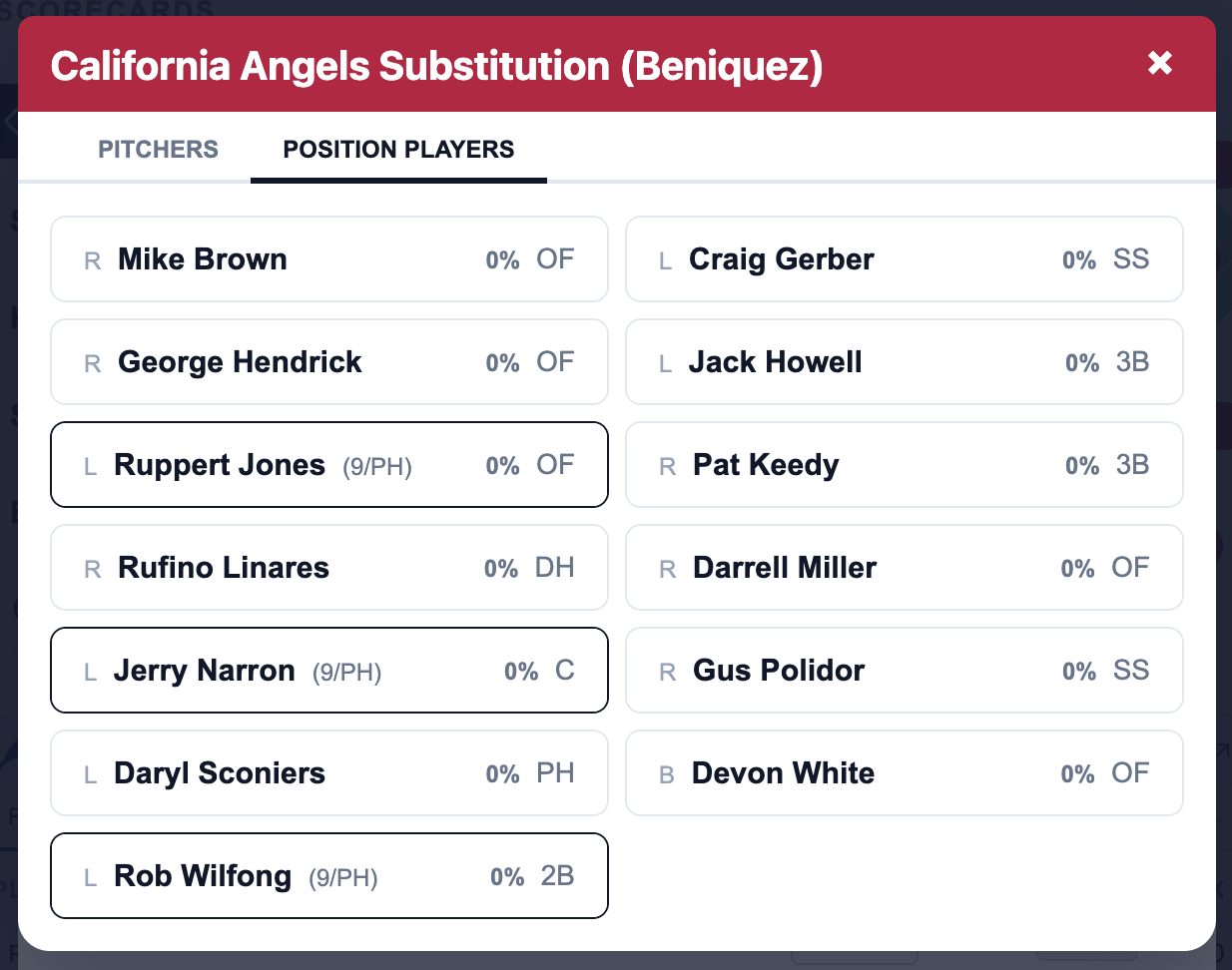
The usage percentages for exhibition games will always be 0% but for full-season replay projects (currently in alpha testing) they will show current season usage for the player as a percentage of historical season usage. A colored bar will also fill in the player card to alert the user when a player is close to reaching their historical usage percentage.