
Play Entry
Play Entry
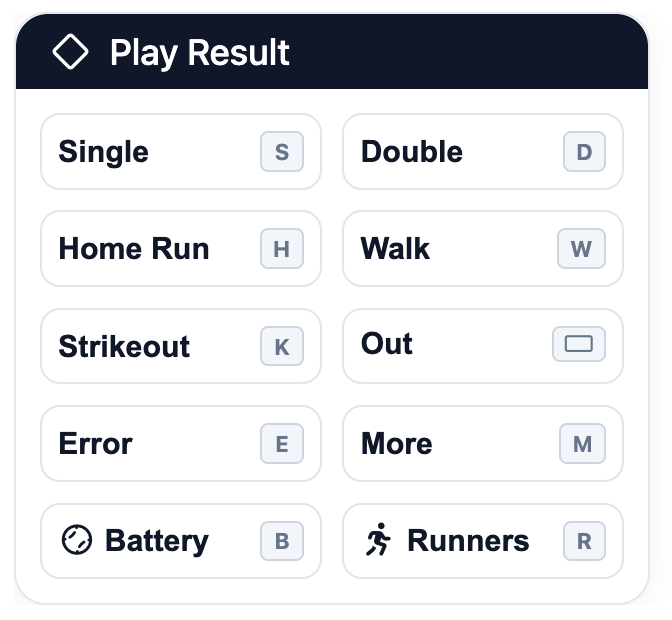
Enter plays starting with the Play Result panel which has buttons representing the options available for the current baserunner and inning context. Clicking one of these buttons will open the appropriate sub-panel for the play or provide additional contextual options.
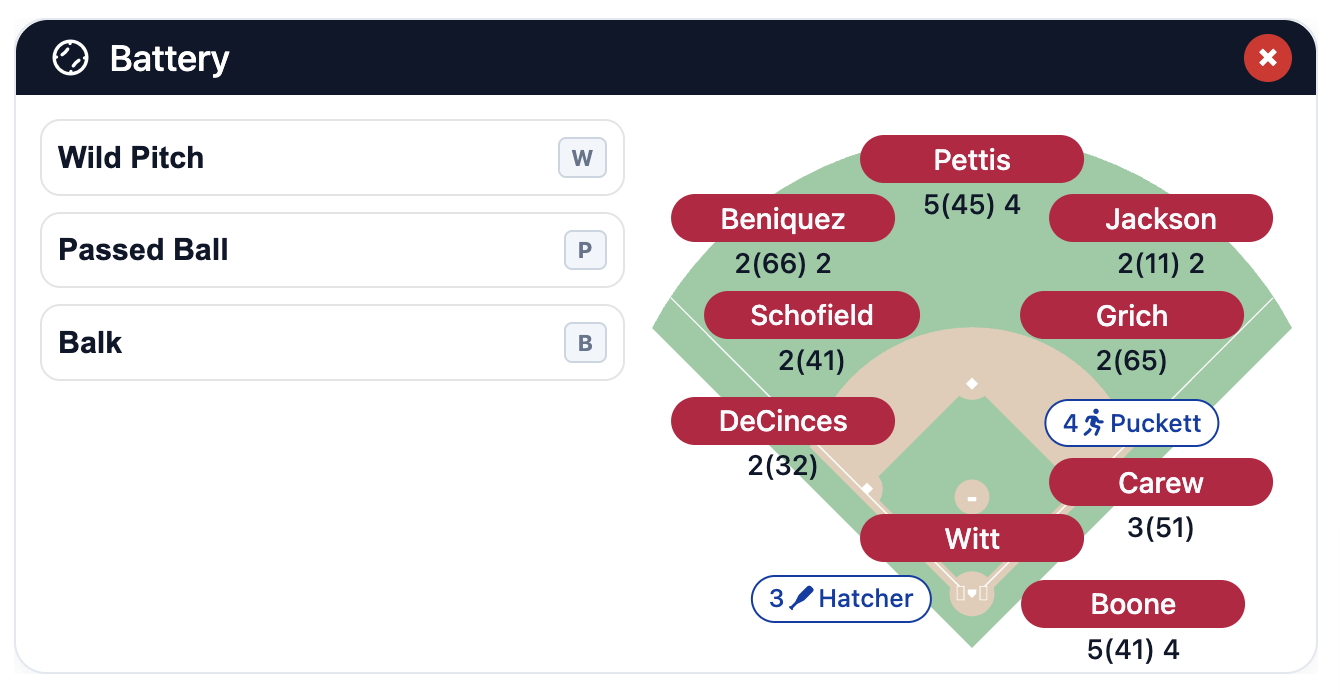
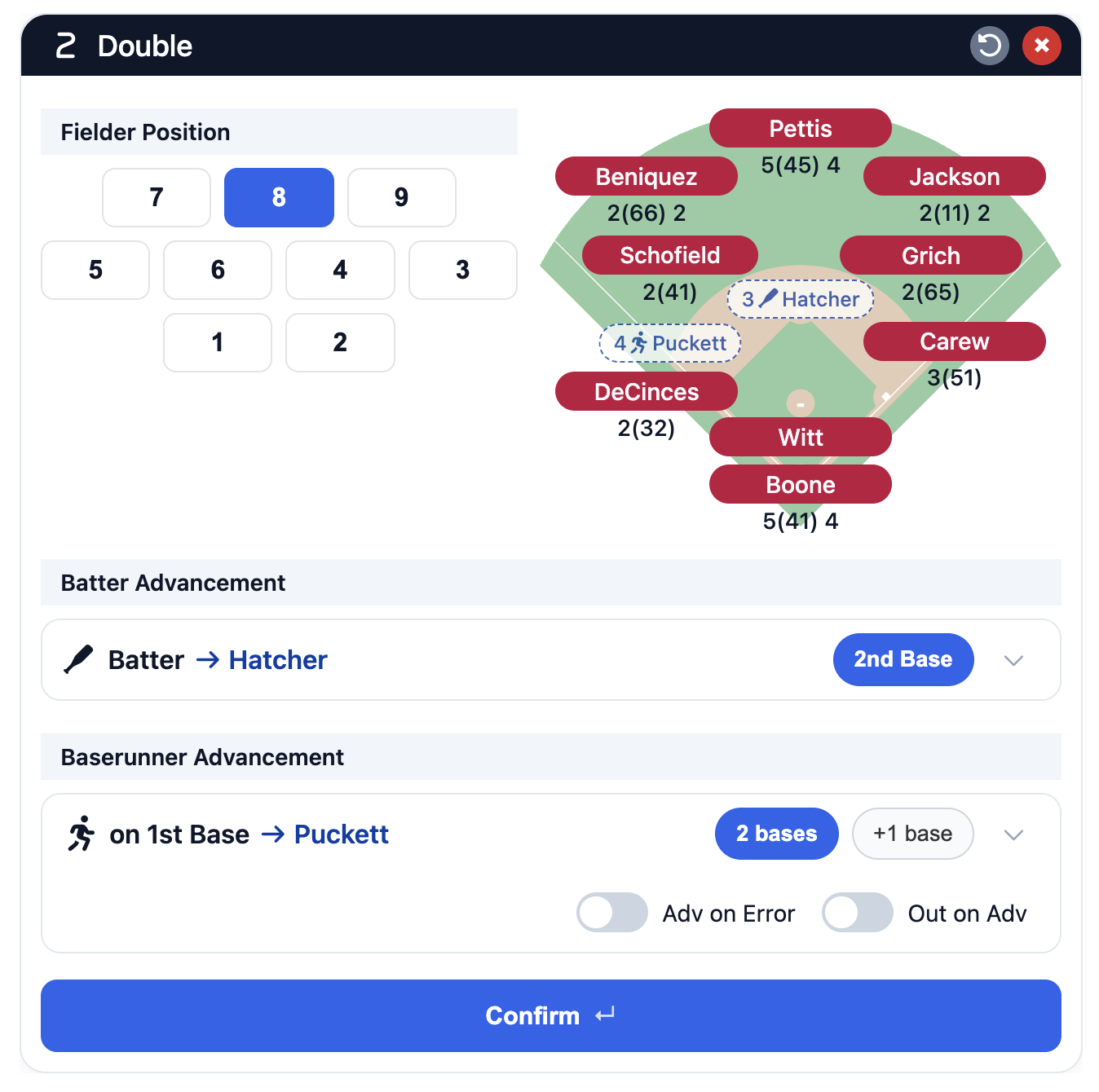
Specific options for the various panels will be covered in other sections but some behavior is common to all panels.:
Keyboard shortcuts
- For desktop, keyboard shortcuts are shown for most buttons.
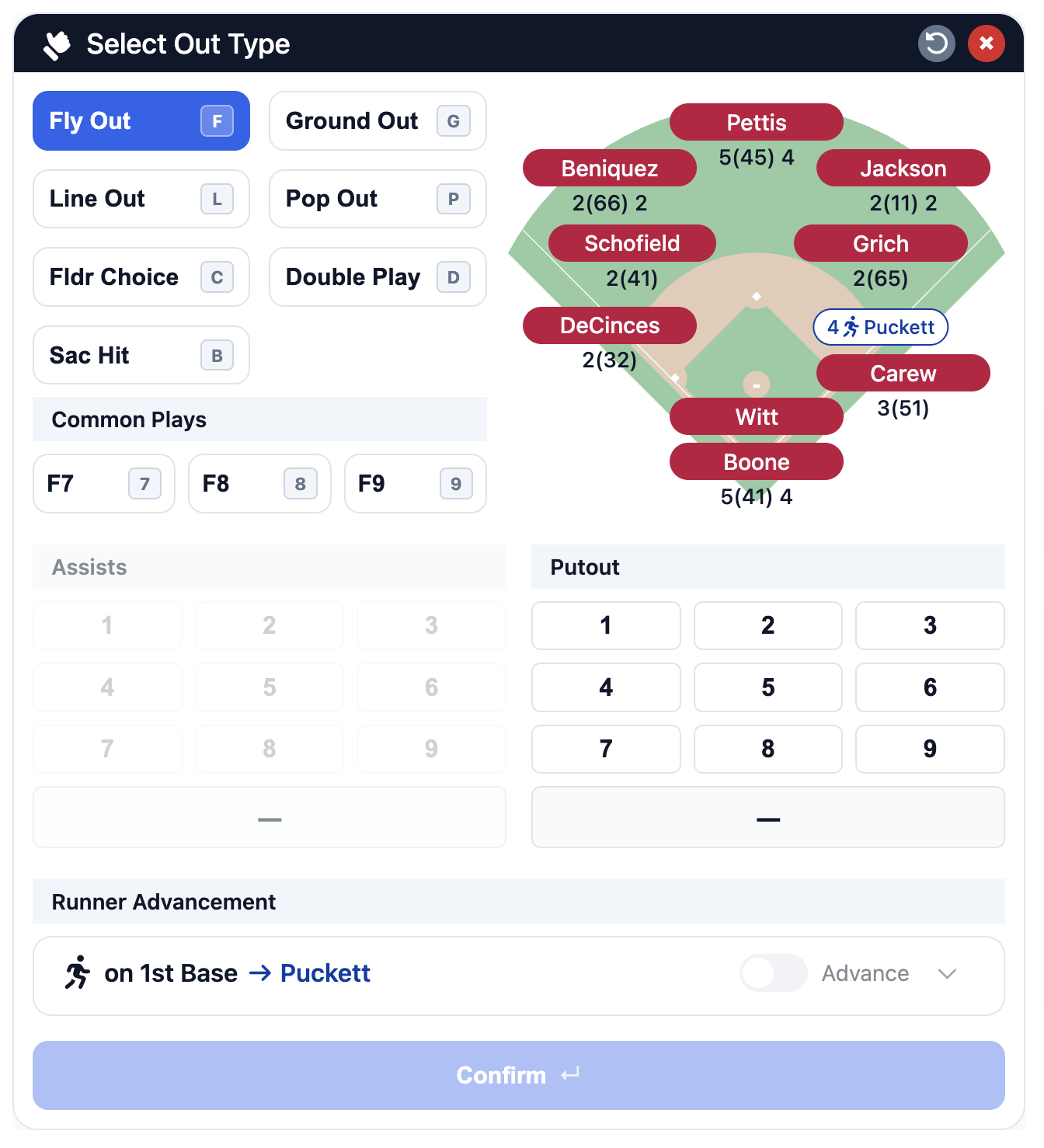
- For panels that offer multiple exclusive options (like the out panel that has fly, ground, line, and pop out options), pressing the original keyboard shortcut will cycle through the options. Using the panel-specific shortcut will select the option directly.
- Common Plays buttons offer a shortcut to using the Assists and Putout grids to choose fielders. Their keyboard shortcut is typically the position number of the fielder who initiates the play.
Conifrming plays
For simple plays like strikouts, walks, or standard outs with the bases empty, using a shortcut or pressing a button will auto-confirm the play, close the panel, and move to the next batter's plate appearance. For more complex plays that involve decisions about baserunners or additional batter advancement the play will need to be confirmed by clicking the Confirm ↵ button. (The confirm button will not be active unless the play has a valid result.)
Additional topics
For more detailed information about play entry, see these sections: