
Player Ratings
Player Ratings
When a tabletop game is selected, player ratings (batting, pitching, and fielding) are activated and shown in various places in the gamecast, including the compact boxscores. Set or edit ratings by choosing the Ratings tab in a compact boxscore and clicking any player row.
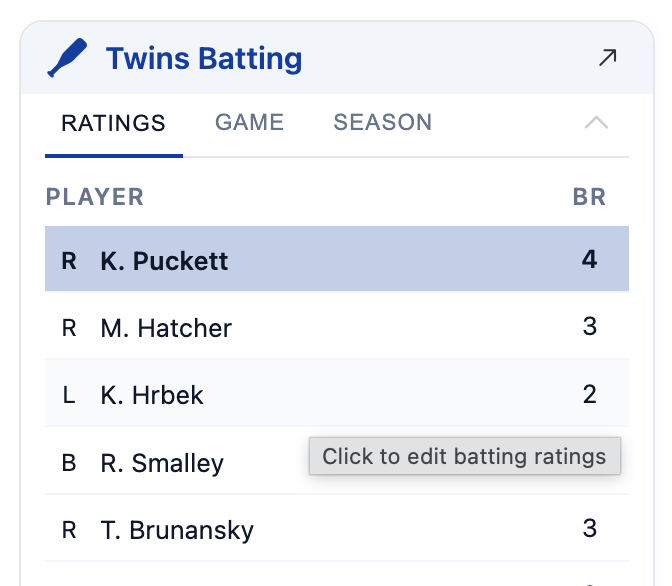
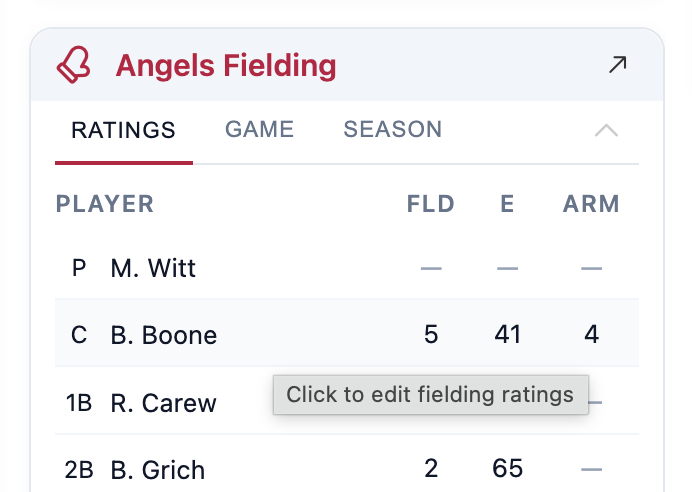
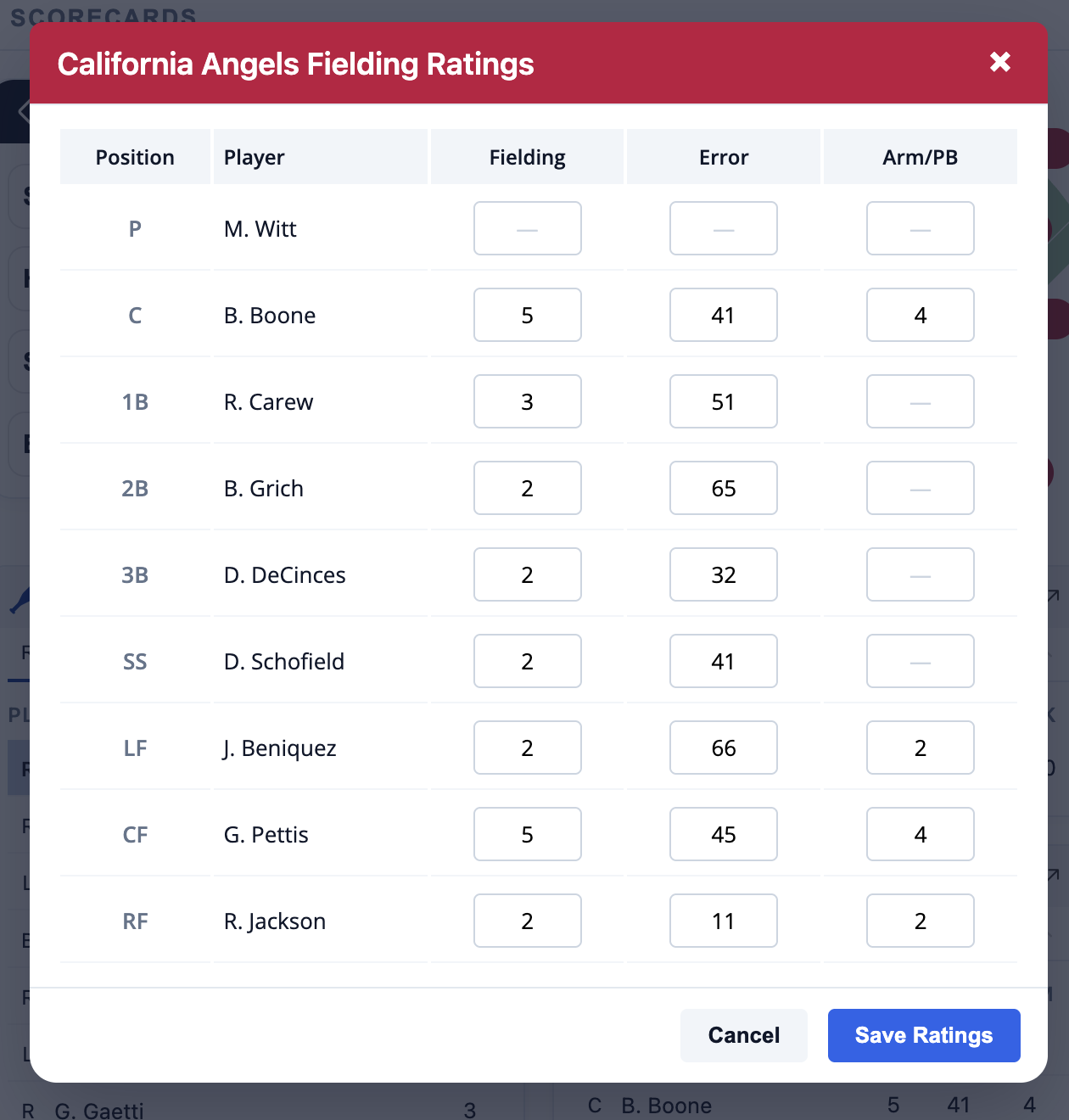
Ratings are saved and shared with the community so they only need to be entered once. After ratings are entered, when you start a new replay, ratings for that tabletop game will be loaded from the community if available. (Note that most games do not have pitcher ratings that make sense to show in the gamecast so it's unlikely you'll see a Ratings tab for pitchers.)
Ratings for logged in users
For open beta, there is no login available so all users are guest users and share edit rights for all ratings entered during replays. So, ratings you enter for a particular player may be overwritten by another user. When user login is available, you'll still be able to share community ratings but you can also save your own personal ratings that will take precedence over community ratings and can not be overwritten by other users.