
Dice Roller
Dice Roller
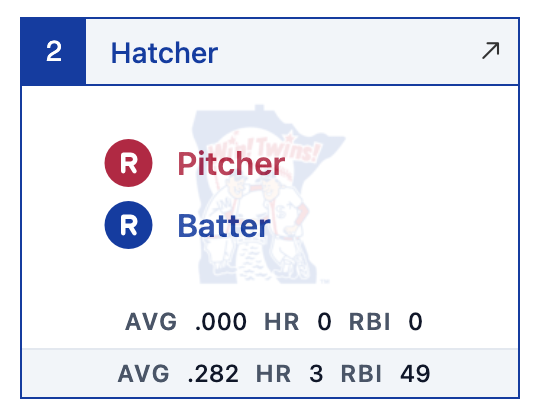
When you've chosen a supported* tabletop game, the Gamecast shows a dice roller component with appropriate dice for the game. Roll the dice for the current plate appearance by clicking/tapping the dice roller, using the up/down arrow key shortcuts, or clicking/tapping the batter cell to roll or reroll. Click the icon to minimize the dice roller.


*This is a work in progress. Not all listed tabletop games are yet supported with custom dice.